Track Royal Caribbean and Celebrity packages in USD or CAD
Drink, internet, dining, and excursion prices on Cruise Planner are already in US dollars or Canadian dollars. Track that shelf price. An alert then means the package got cheaper, not that the exchange rate moved.
| Step | Where |
|---|---|
| 1. Open package tracking | Dashboard → Track a package |
| 2. Pick the line, ship, and sailing | In the package form |
| 3. Choose USD or CAD, then the packages | Same form |
| 4. Confirm the card | Dashboard |
A 25–30% “drop” the moment you start tracking is almost never a sale. A Deluxe Beverage Package can show about $78 on royalcaribbean.com and about C$108 on royalcaribbean.ca. Same package. Same sailing. The difference is the currency.
The price drop that was just the exchange rate
If you saw C$108 and a tracker compared it with the US price of $78, the email says the price fell by about a quarter. Nothing fell. You were comparing Canadian dollars with US dollars.
Cruise Price Tracker keeps the two apart. You pick USD or CAD on the package form. We save the Cruise Planner shelf price in that currency and only email you when that number goes down.
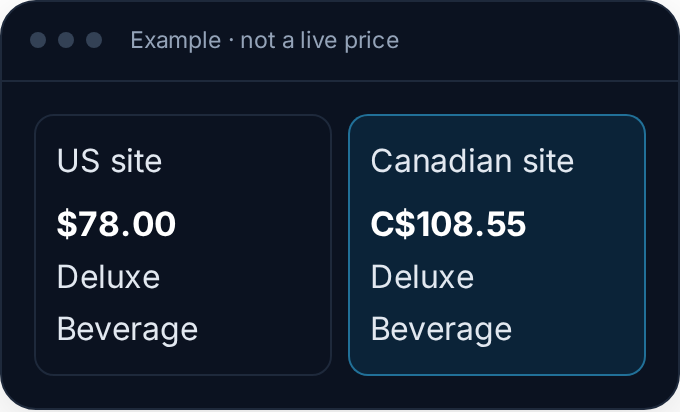
Example prices, not a live quote. The panel on the right uses the same numbers. Switch it and watch the symbol change.
Open Packages
Sign in and open the dashboard. Packages sits next to New Tracking. It opens the create window already on cruise packages, in Advanced mode.
You can also open New Tracking, stay in Advanced, and choose “Cruise packages (Royal & Celebrity)” from the cruise line list. Easy mode does not list it, so the fare wizard stays short.
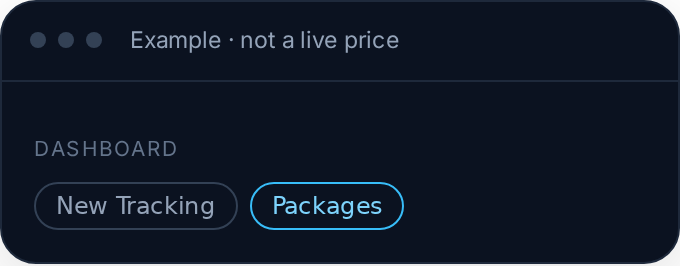
Packages uses a plan slot, the same way a cruise tracking does.
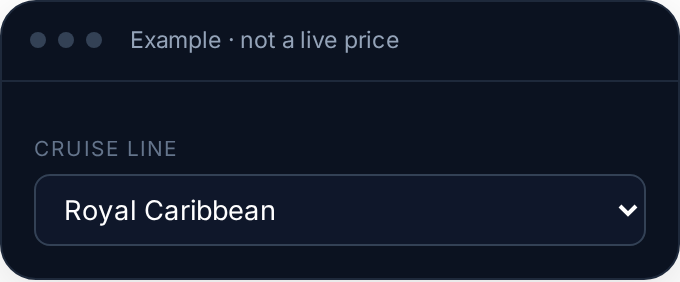
Pick Royal Caribbean or Celebrity
Both lines sell Cruise Planner add-ons. Drinks, internet, dining, and excursions show up when that sailing has them on sale. The cruise fare itself is still a normal tracking. This is only the add-on.
Choose the ship and the sail date
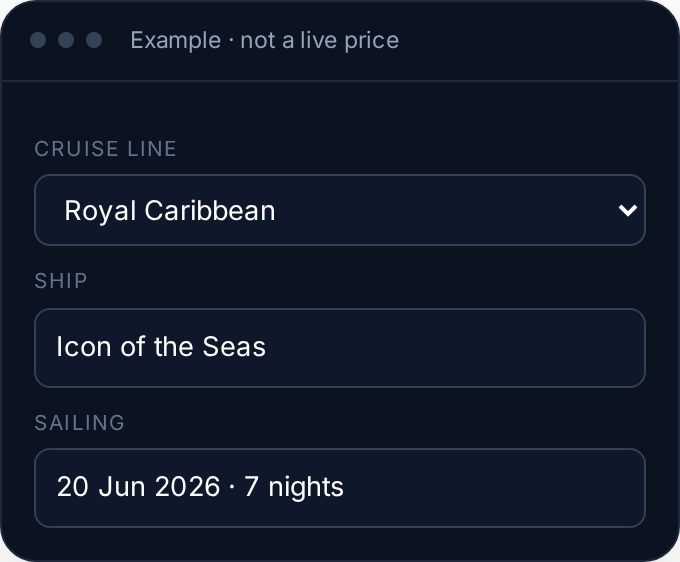
Package prices belong to one sailing. A March Caribbean week and a holiday week are different prices, even on the same ship. Pick the ship first. The dates load after that.
Pick the packages in your currency
Tap a category, then check the packages you want. USD and CAD are buttons on the form, not a conversion. Every price in the list is already the shelf price in the currency you selected. You can track up to 15 at once.
Your account currency is the starting point. The button you leave selected is the one we save. Changing it later does not rewrite packages you already track. Remove one and add it again to watch the other currency.
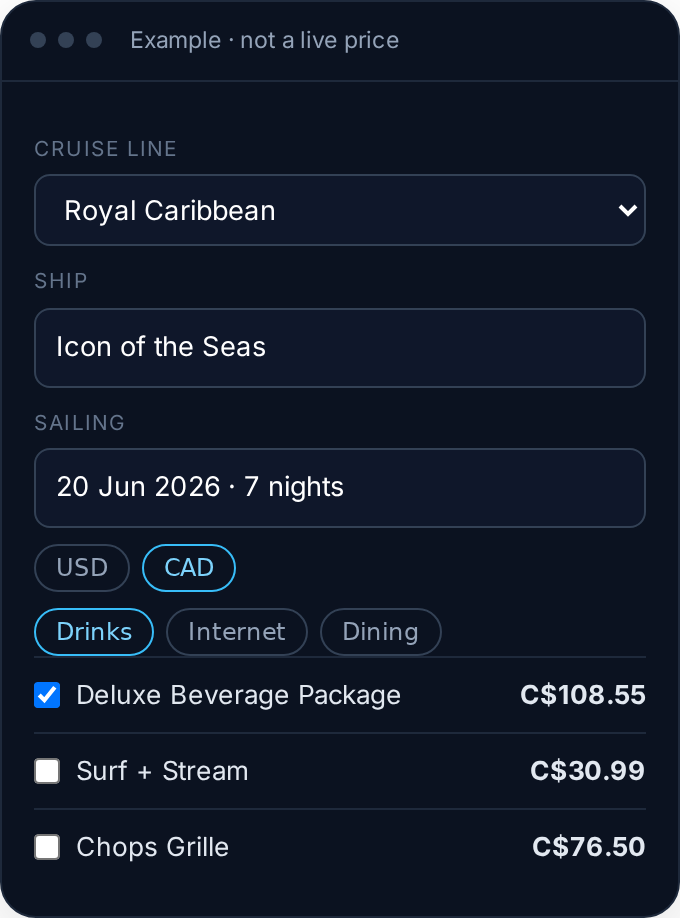
Check a package in the panel. The price uses C$ when CAD is selected and $ when USD is selected.
Confirm it on the card
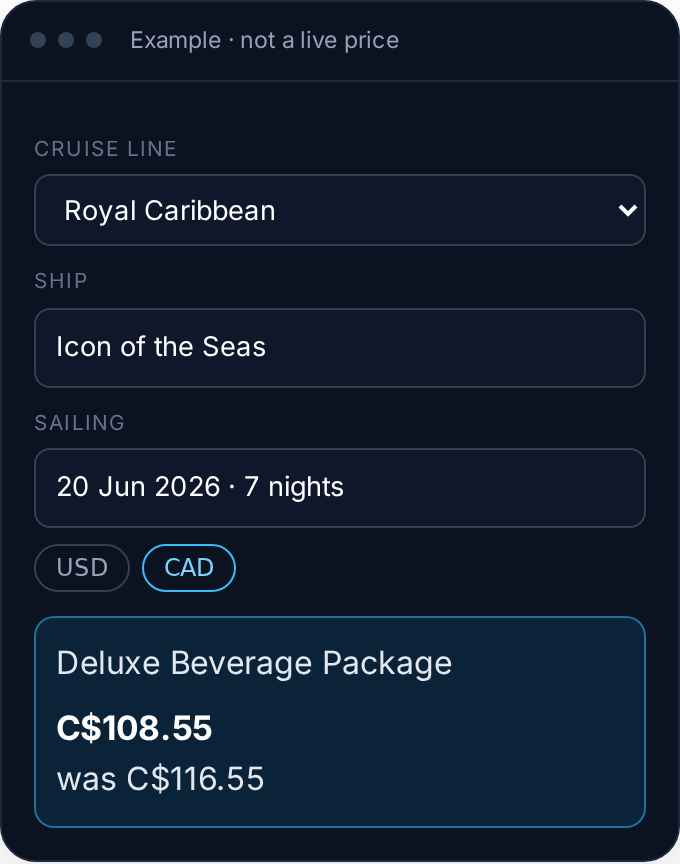
The new watch shows on the dashboard with the ship, the sail date, and the price in the currency you chose. After a real drop, the card also shows the previous price. That pair is how you know the comparison is like-for-like.
We recheck about every 12 hours. You do not have to open Cruise Planner. An email goes out only when the shelf price falls.
A few things worth knowing
- USD and CAD only. British pounds, euros, and Australian dollars are not package currencies here.
- Each watch keeps its currency. That is what stops an old US price from being read as Canadian dollars.
- The fare is separate. This is Cruise Planner add-ons. The cruise fare stays its own tracking.
- Empty categories happen. If Cruise Planner has not published packages for that sailing yet, the form says so. They often appear closer to departure.
Can I track a package in Canadian dollars instead of USD?
Yes. Choose CAD on the package form before you hit Track. From then on that watch is compared in Canadian dollars. USD works the same way. We do not convert one into the other.
Why would a package alert be fake?
If a tracker checks the US site while you are looking at the Canadian site, the exchange-rate gap can look like a large drop. Tracking the shelf price in one currency removes that.
Does changing my account currency convert packages I already track?
No. Account currency only fills the form for the next one. A package you already track keeps the currency it was added in.
How is this different from tracking the cruise fare?
The fare tracking watches the cabin and rate plan. Package tracking watches Cruise Planner add-ons for that ship and sail date. They show up together on the dashboard, and each package uses a plan slot.
Track the package in the currency you pay
Open the dashboard, choose Track a package, and pick USD or CAD before you select the add-ons.
Start tracking free →